
You can change pages with
your keyboard arrows



Getting Started in an Empty Society
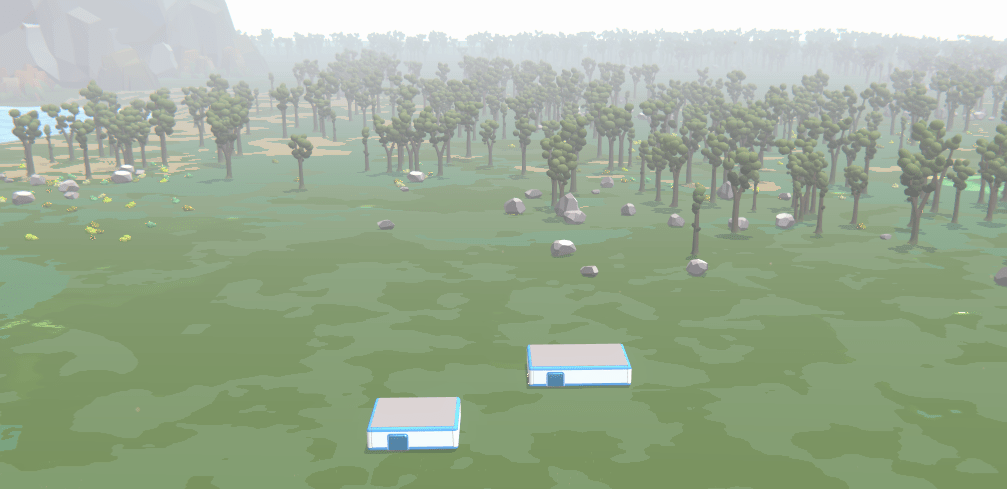
Here you will learn about:

What do you start with?
These are the essentials that you have access to
An empty society starts with:
-
A Campus with:
-
A Container with essential resources (food, bricks, toilets, sinks, extraction machines, crafting tables, etc.).
-
3 Delivery Drones
-
-
An anarchist constitution, meaning no governance—everyone has full permissions.
-
A single, large plot that can be split into smaller ones.
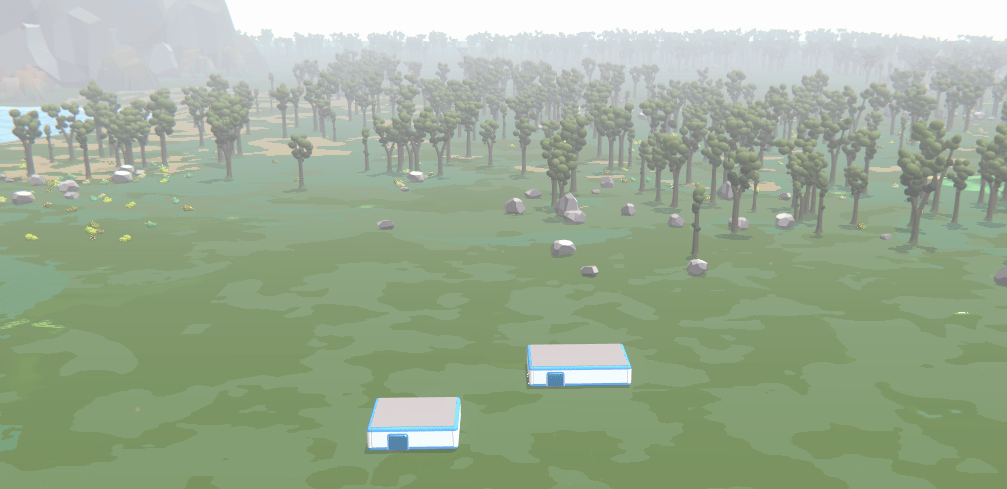
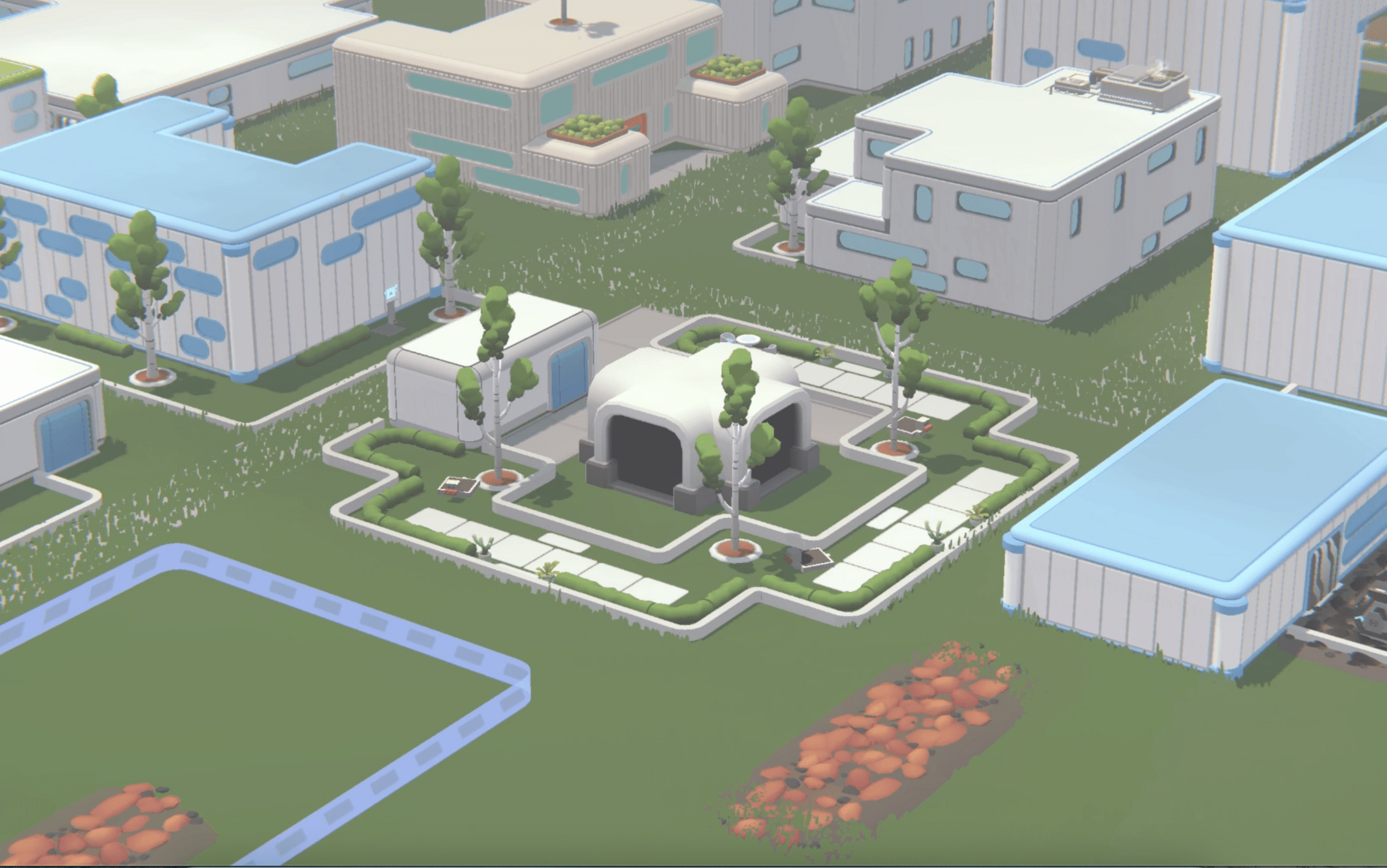
At the start of a new society, the Campus is small. Expand by adding rooms based on your group size, using Bricks from the Container—but use them wisely! You'll need resources for other structures. Focus on creating enough space for essential furniture.
Understanding Anarchy
Your society begins with anarchy
Initially, your society has no government, allowing free construction and economic activities.
This system works best with a few trusted players, making early progress faster and more engaging.
Managing Land: Fragmentation
Your society starts with one big plot
You can fragment this plot into 4x4 sections anytime by selecting the plot and clicking on the “Fragment” button
Fragmentation is irreversible, so plan carefully!
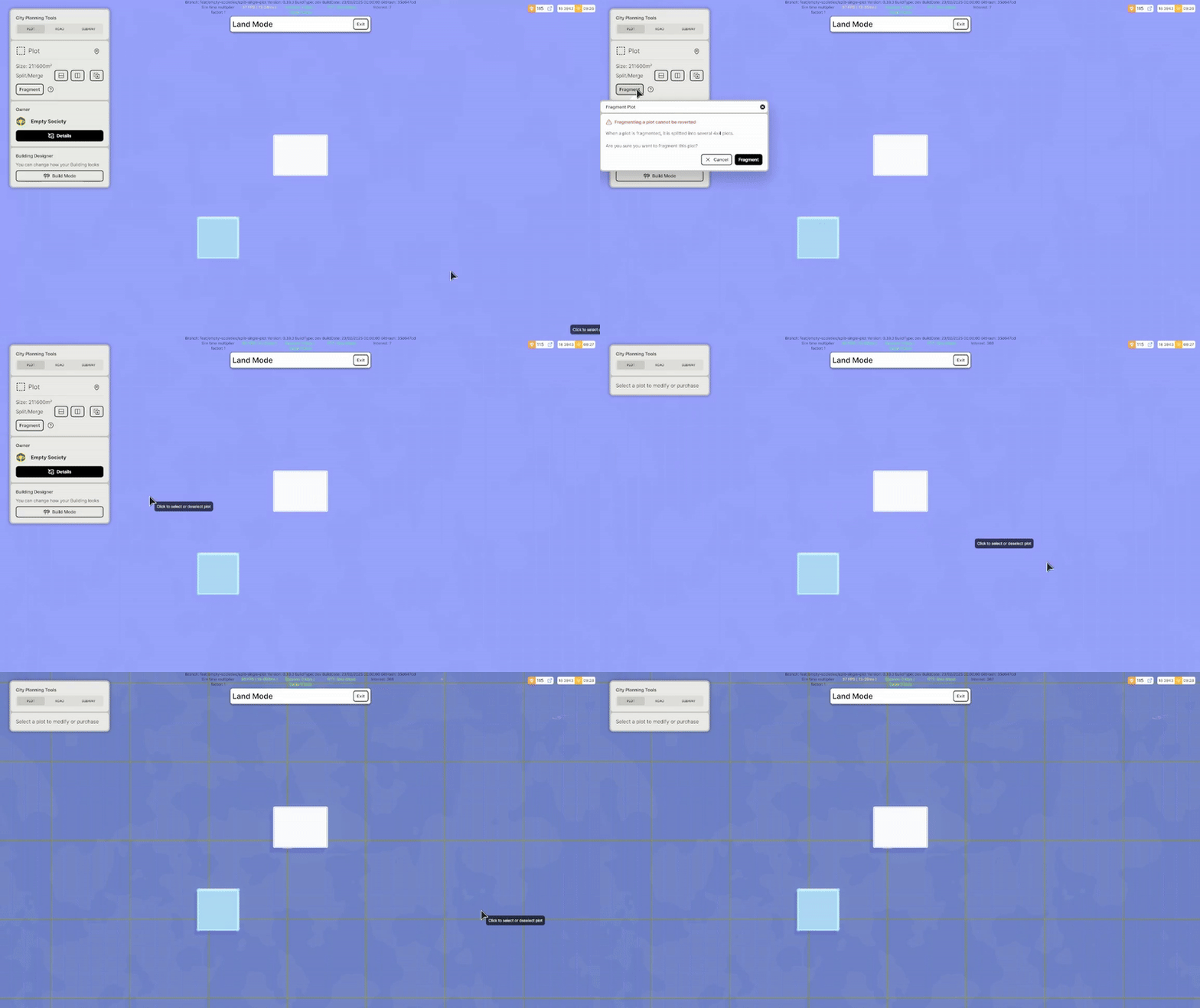
Territory Fragmentation
Expand your territory
You can purchase adjacent territories for your society using Pollen. These Neutral Plots are one-quarter the size of a society.
When a Neutral Territory Plot is purchased, its ownership goes to the society.
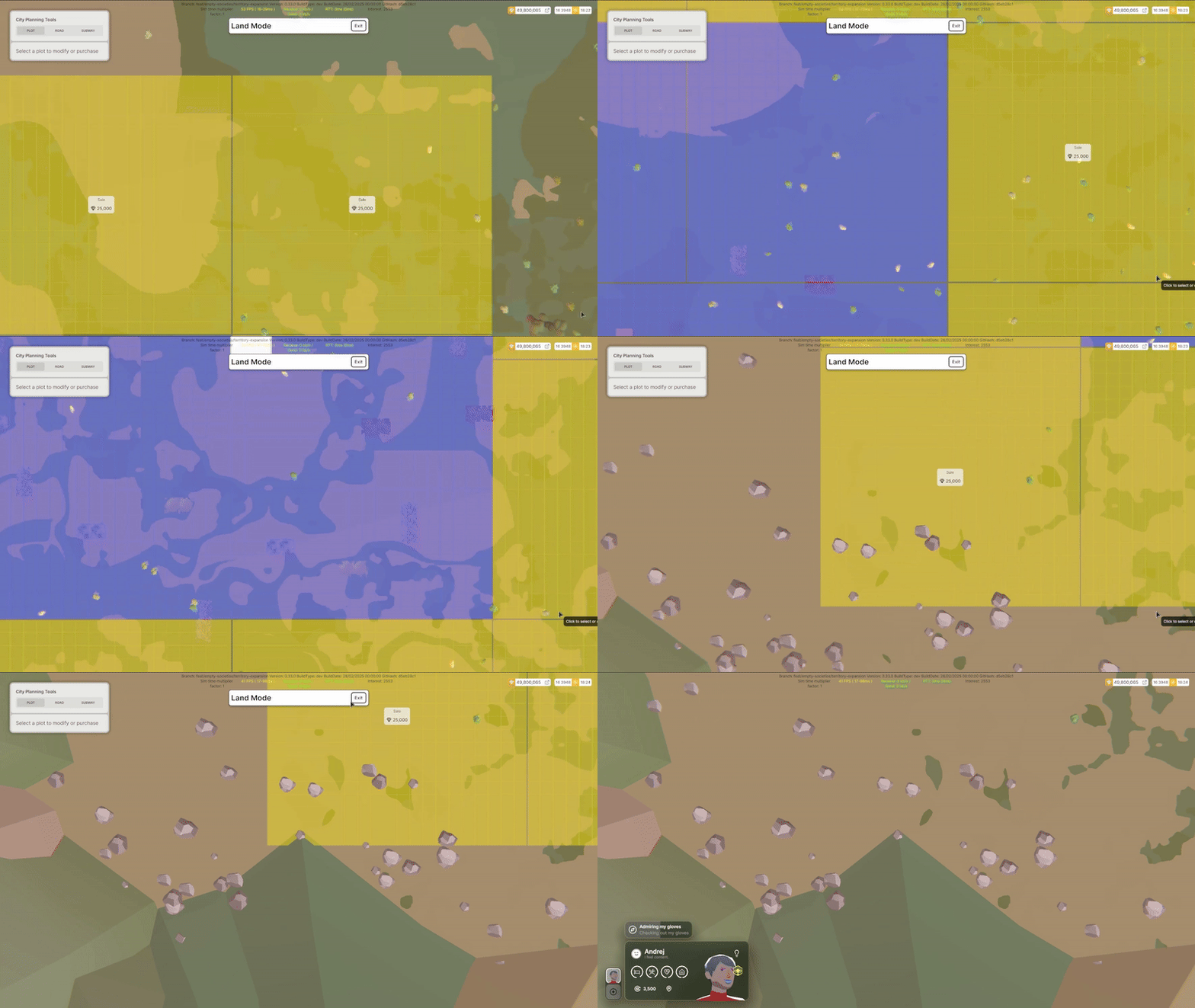
- Blue: Owned plots – You can build on them or change their owner.
- Yellow: Neutral plots – Adjacent to the society and available for purchase.
- Red: Unowned plots – Inaccessible.
Setting Up Buildings and Jobs
In Anarchy, any building in the large plot belongs to the society.
Jobs created in these buildings use society's money to pay wages. You will need to set up tasks within the job for the machines they will be using, as well as the inbox and outbox for that machine.
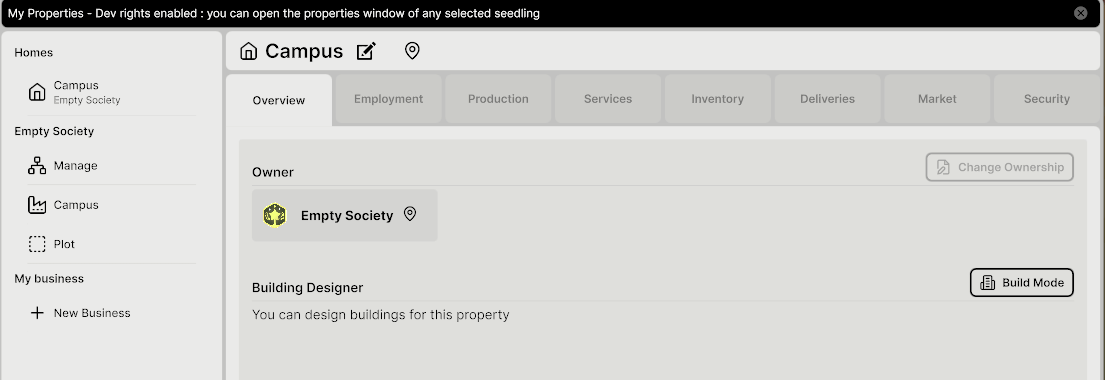
The Campus is editable by everyone, which means you can create jobs in it, which can be useful for starting a crafting job without having to create a new business.
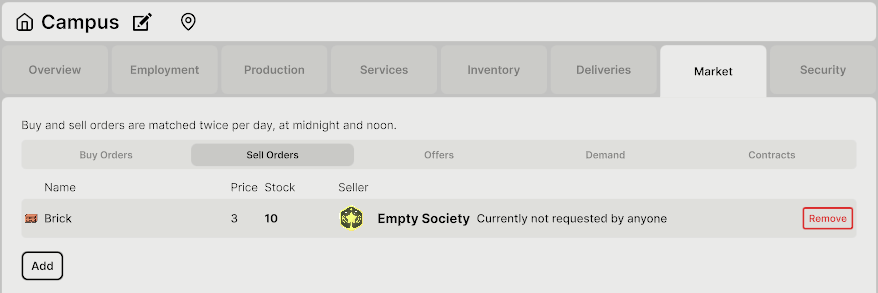
The Market
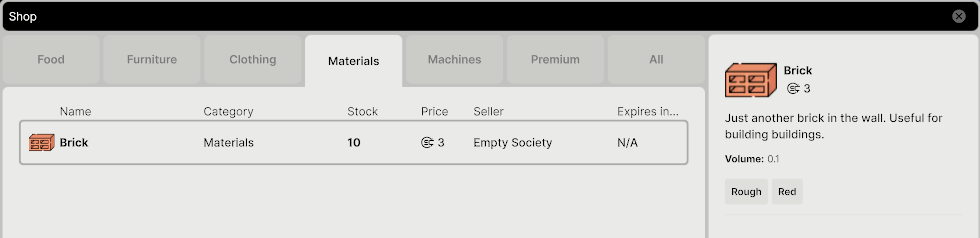
To begin with the shop is empty
The shop will start empty but you can create sell orders to populate the store.
Any building, including the Campus, can be used for selling goods.
Essential Resources for Survival
-
Food: Initial food supplies are limited, so food production is CRITICAL
-
Construction Materials: Required to build structures and grow the society.
Two primary needs must be met for a society to survive:
Resource Extraction
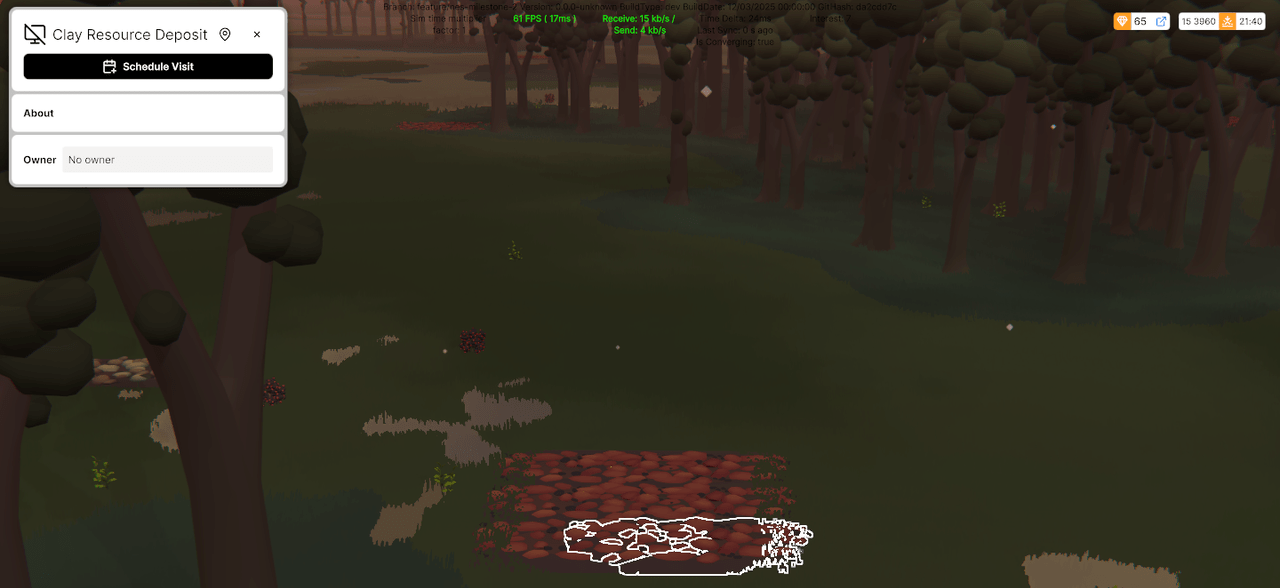
Resource Extractors (available in the Campus) allow you to mine Stone, Clay, Copper Ore, and Iron Ore.
You can see the type of resource that can be extracted by clicking on Resource Deposits.
Resource Deposits near your society provide infinite materials
Resource Extraction
To extract a resource, place an extractor on a deposit within a building’s outdoor area.
You can create more Resource Extractors by using the Crafting Table
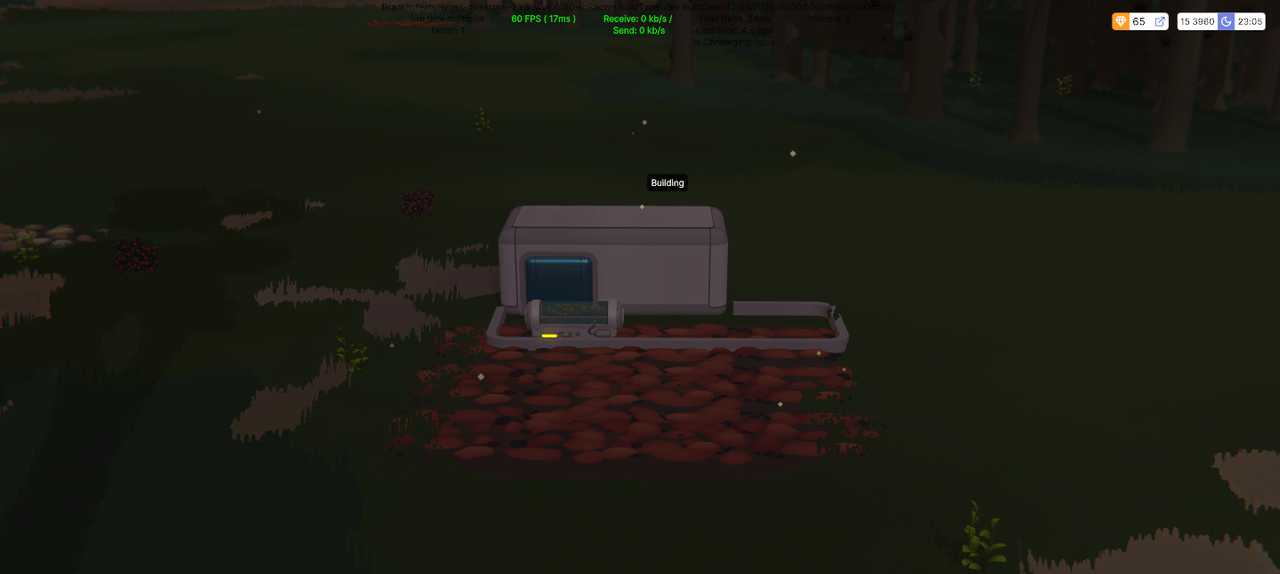
To begin extraction, you’ll need to set up a job for Seedlings to operate the Extractors. Seedlings must apply for this job before they can start extracting resources.
For example: if a stone sell order exists in that building, seedlings will move that resource from the machine to the outbox automatically (no need to define that step in the job creation panel).
If there are no Seedlings in the building or they are outside of working hours, resources won’t be moved.
Resource Extraction
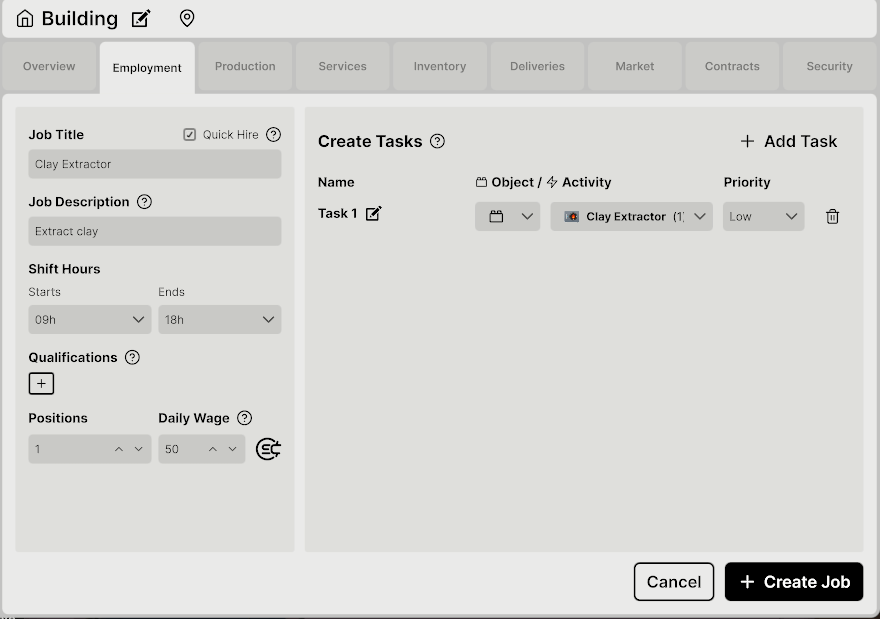
Seedlings can only operate machinery if their job includes tasks related to it.
Harvesting Natural Resources
You can collect materials directly from the environment:
-
Trees & Stumps: Provide Wood for crafting and construction.
-
Rocks: Give Stone for crafting.
-
Bushes: Provide Berries and Herbs.
You can harvest by right-clicking an object and selecting the “Harvest” Activity.
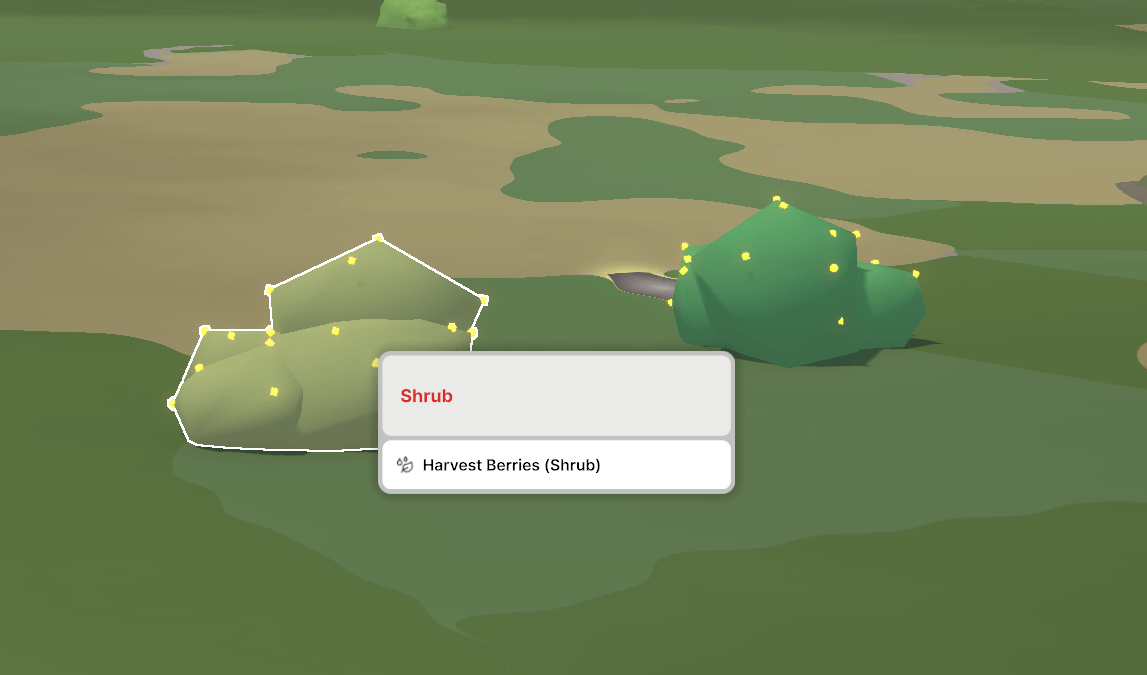
By selecting the left-clicking the object entity, you can also see information about it
Harvesting Natural Resources
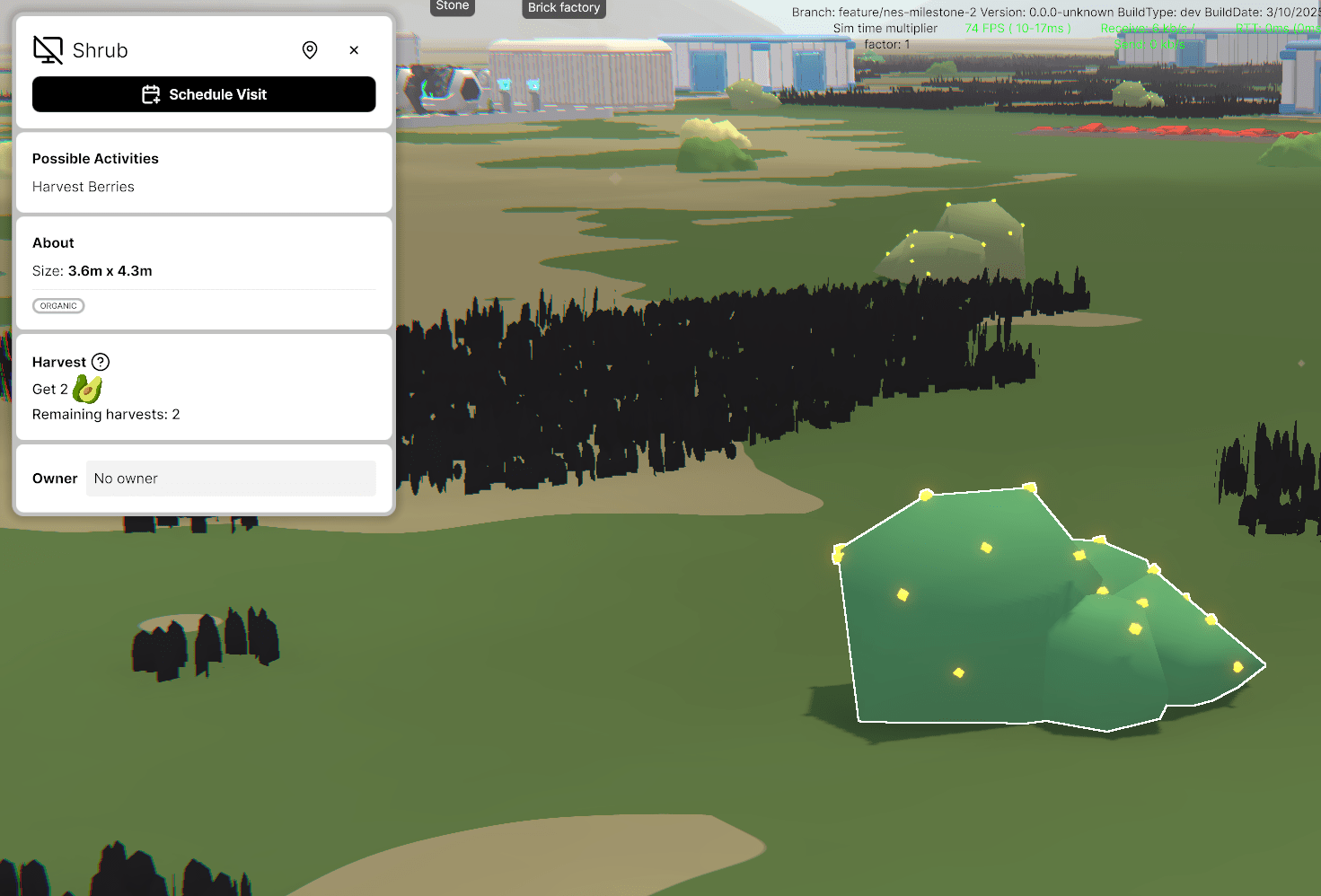
After harvesting, resources are stored in the Seedling's inventory, which can hold up to 60 units—enough for hours of harvesting. Once the Seedling reaches an Inbox, it will automatically deposit the resources.
Direct control over this process is not currently possible.
Food Production
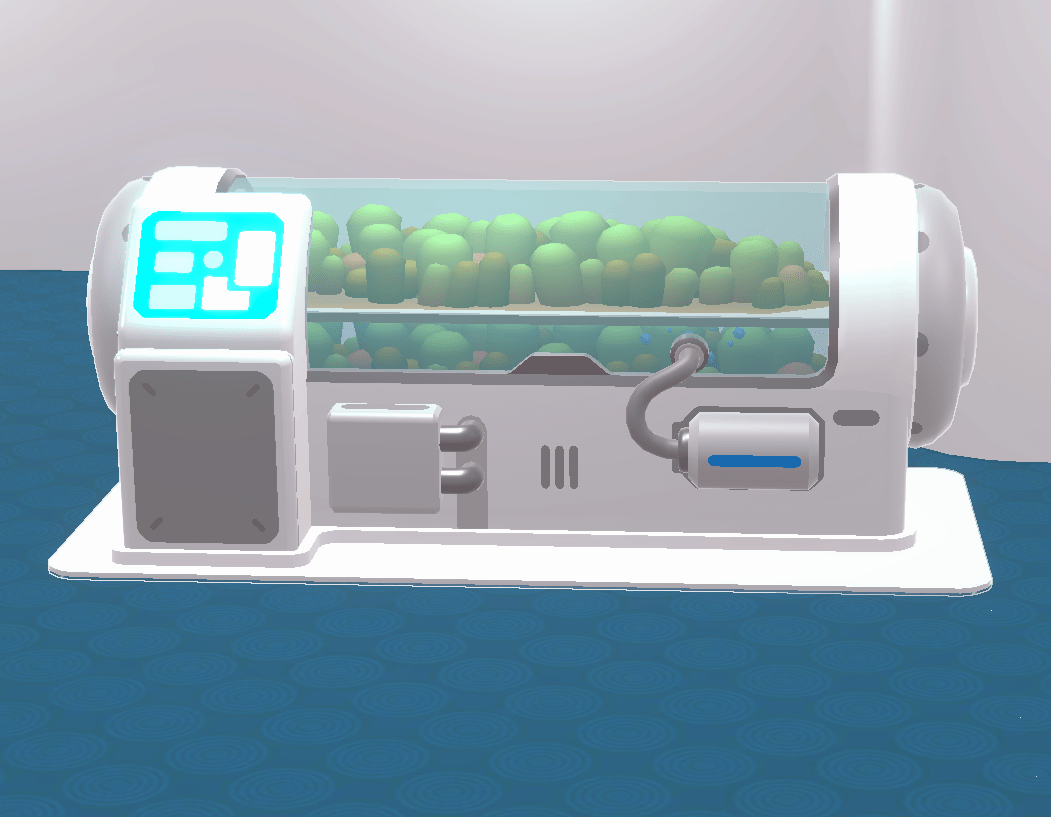
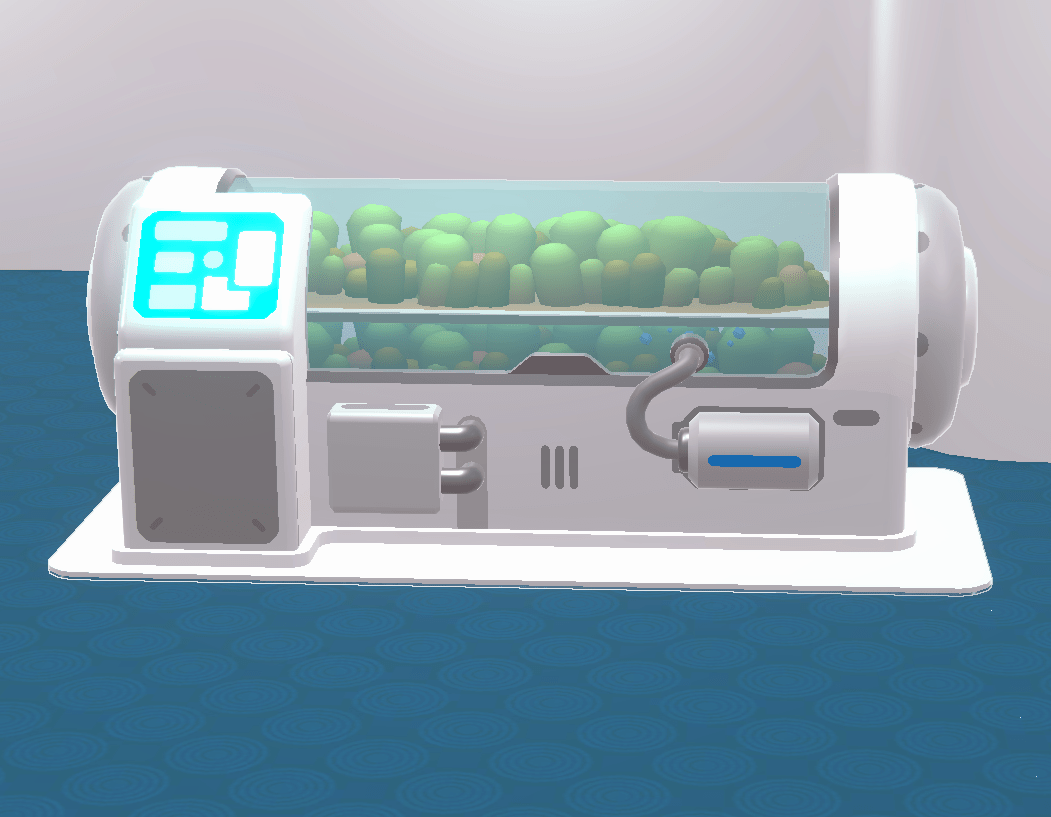
There are several ways to produce food, the easiest of which is to grow food with the Growbox
Berries and Herbs
- Place the Growbox in the Campus or any other building.
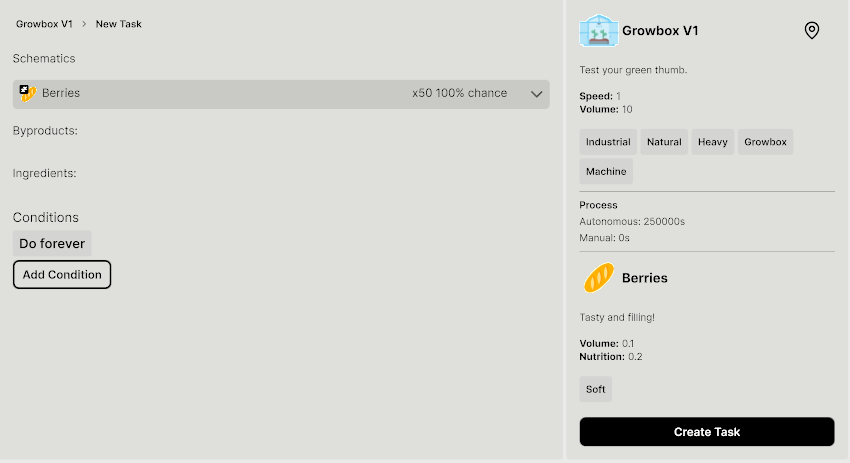
- Create a Berries/Herbs crafting task in the Growbox (Manage → Crafting → Growbox → New Task).
- Assign a Growbox job in the building where it’s placed.
At the start, one Growbox is available in the Campus Inbox. You can use it to grow berries and herbs by:
Campus Supply
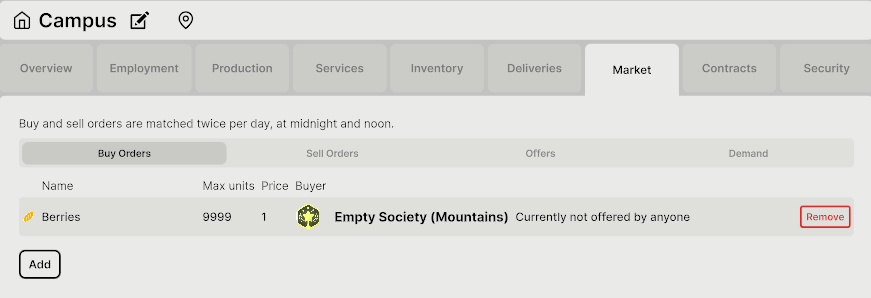
Food must reach the Campus for residents to eat. To automate the supply, simply create a Berries/Herbs buy order in the "Campus Market" tab. This ensures that whenever berries or herbs are available in the market, the Campus will automatically purchase them.
Food Production
More Growboxes
To grow the society, it is necessary to produce more food. One way of achieving this is by crafting more Growboxes.
Food Production
More Growboxes
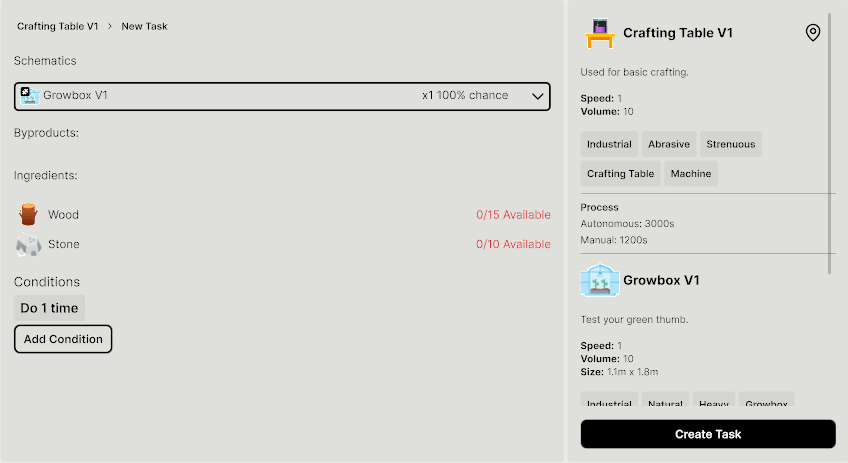
To build a Growbox, you'll need Wood and Stone:
-
Gather/Extract Wood
- Create a Wood Production job in the Growbox.
- Send Seedlings to harvest Trees.
-
Gather/Extract Stone
- Build near a Stone Resource Deposit and create a Stone Extractor job.
- Send Seedlings to harvest Tocks.
-
Place a Crafting Table in the Campus or in any other building.
- Create a Growbox Crafting Task (Manage → Crafting → Crafting Table → New Task).
-
Assign a Crafting job in the building with the Crafting Table.
Food Production
Construction Materials
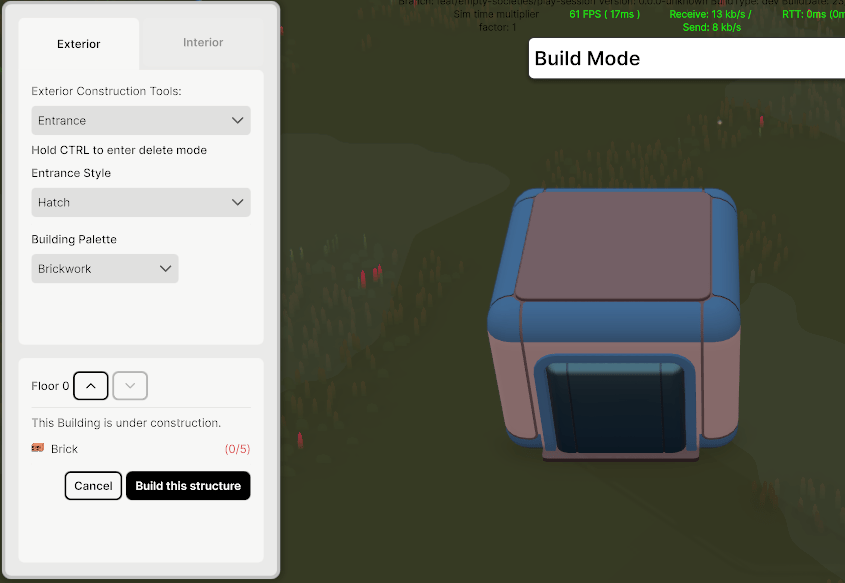
Construction Materials are necessary to create buildings, based on the palette of the building, required materials will change.
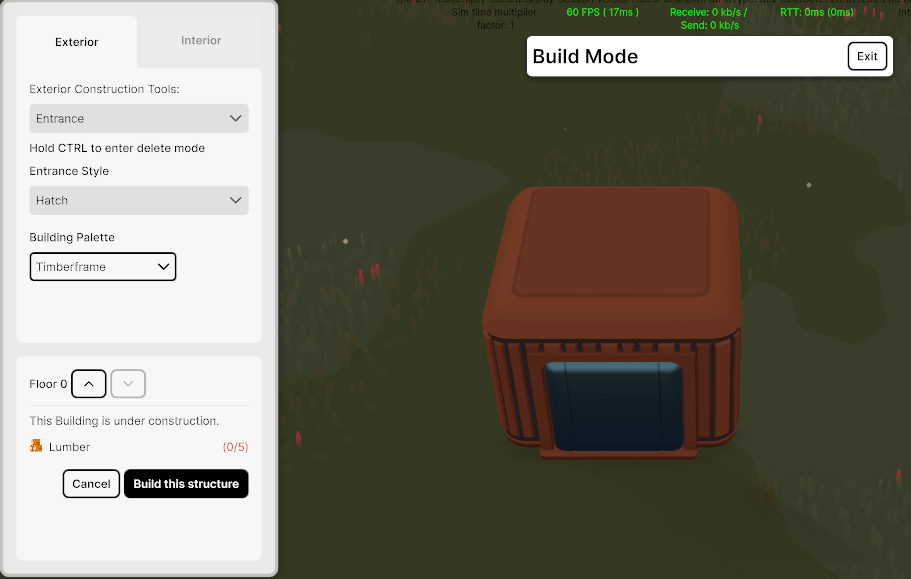
Materials can be obtained from:
-
Resource Deposits: Gives you Clay which you need to put in a Furnace to make Bricks.
-
Nature: Harvesting trees gives Wood and harvesting rocks gives you Stone.
-
Crafting: You can craft Construction Materials using the Crafting Table. Lumber can be crafted from Wood, for example.
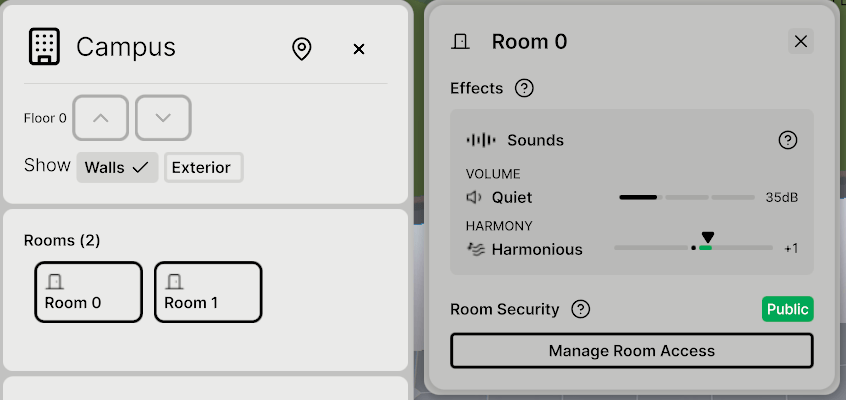
Room Sound Scoring
Introducing sound scoring—a new system that tracks how loud and harmonious your room is based on the objects you place, like arcade machines, TVs, or industrial gear.
Each item adds to your room’s unique sound score, and seedlings will actually react to it!
-
A calm, balanced score might inspire seedlings to relax, play, or focus.
-
Crank up the noise (from machines etc.) and you might see them get distracted, restless, or unhappy. They’ll even show new idle behaviors and share thoughts about the room's vibe.
Building Subways
Placing subways in the landscape now uses resources instead of Seedcoin.
Once you place a structure, construction will begin automatically, after the required resources arrive in your inbox and a short wait, the structure will be built.
Transitioning to Governance
Once you are ready you can move out of Anarchy to a different form of Governance
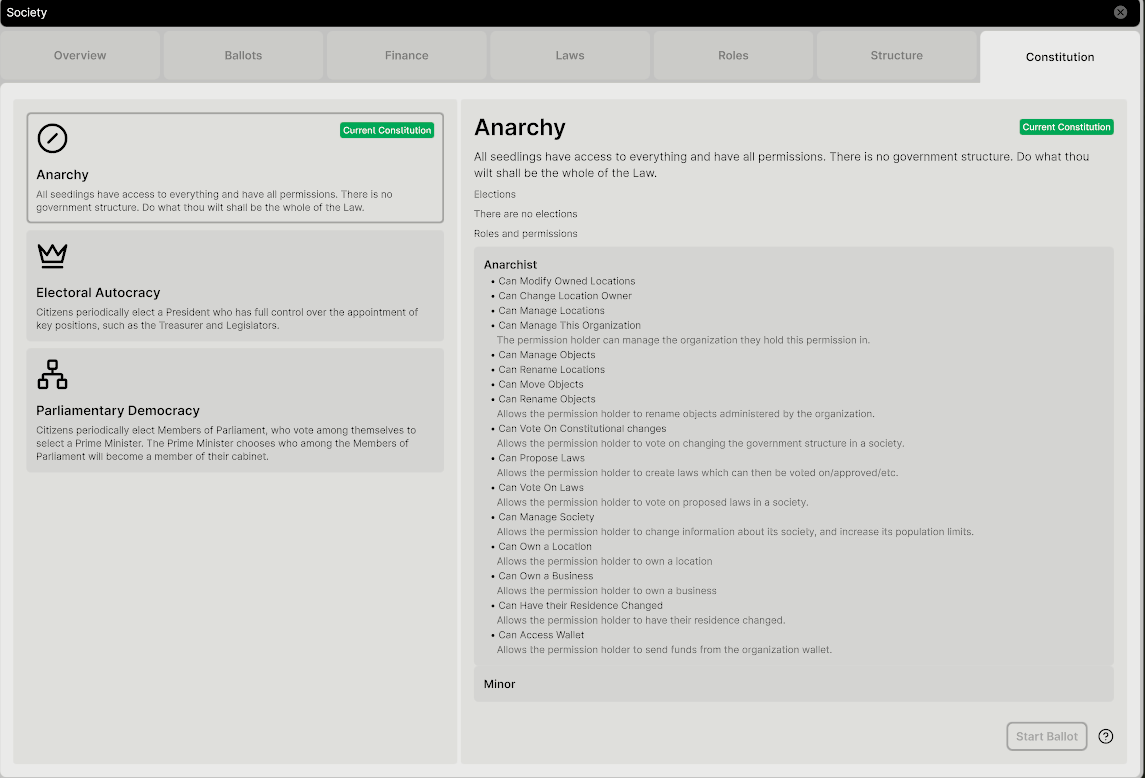
Your society starts with an Anarchist Constitution
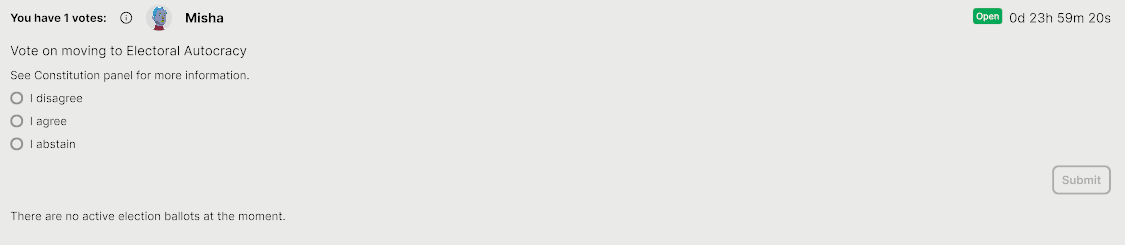
Any player can start a vote to change the constitution from the "Society Constitution" Tab
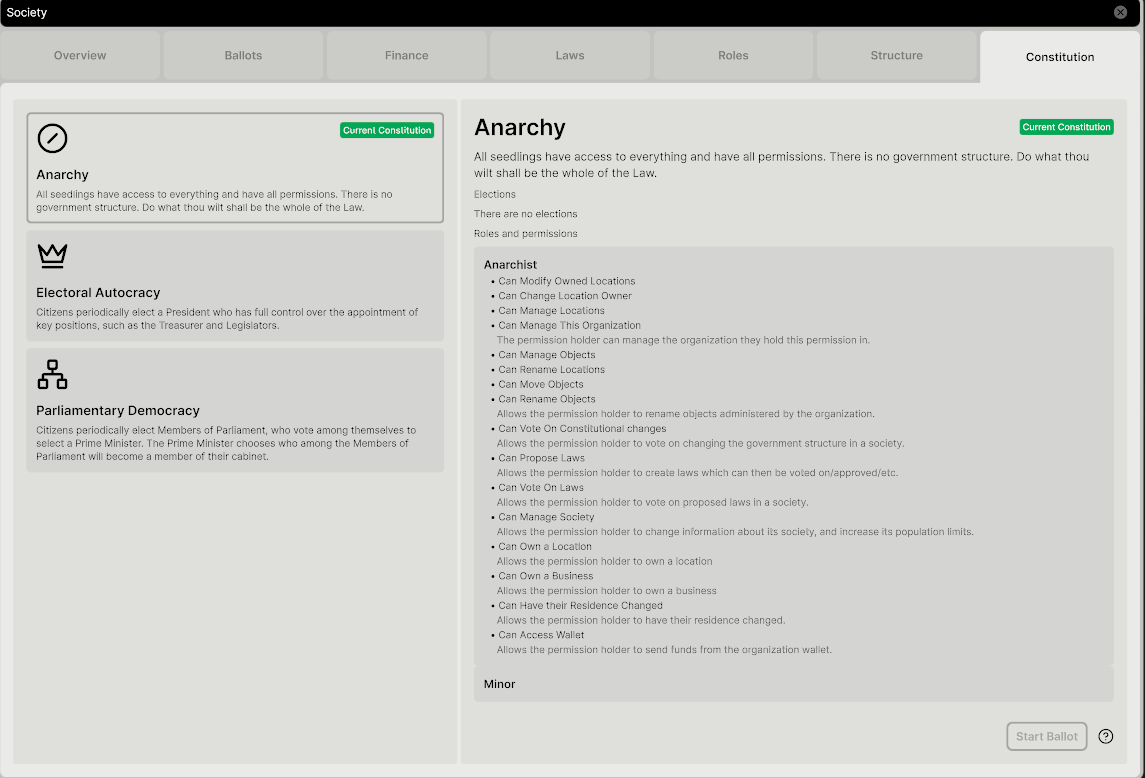
The most structured option is Electoral Autocracy, but there is also Parliamentary Democracy.
If the majority agrees, the constitution will change, new roles will be assigned to society members, and other ballots to elect key roles (e.g. President) will start.
Once you leave Anarchy, economic and construction activities will no longer be accessible to all players, so choose wisely when/if you change Government style.
After clicking on “Start Ballot”, a voting process will start. In binary votes, if a candidate reaches a majority, the vote closes immediately, while multi-option voting takes a full 24 hours.
Transitioning to Governance
Society Policies
You can now make different policies for your society!
In an Anarchy, every society member can propose new policies. Just open the Policy panel and click 'Draft New Law' to get started.
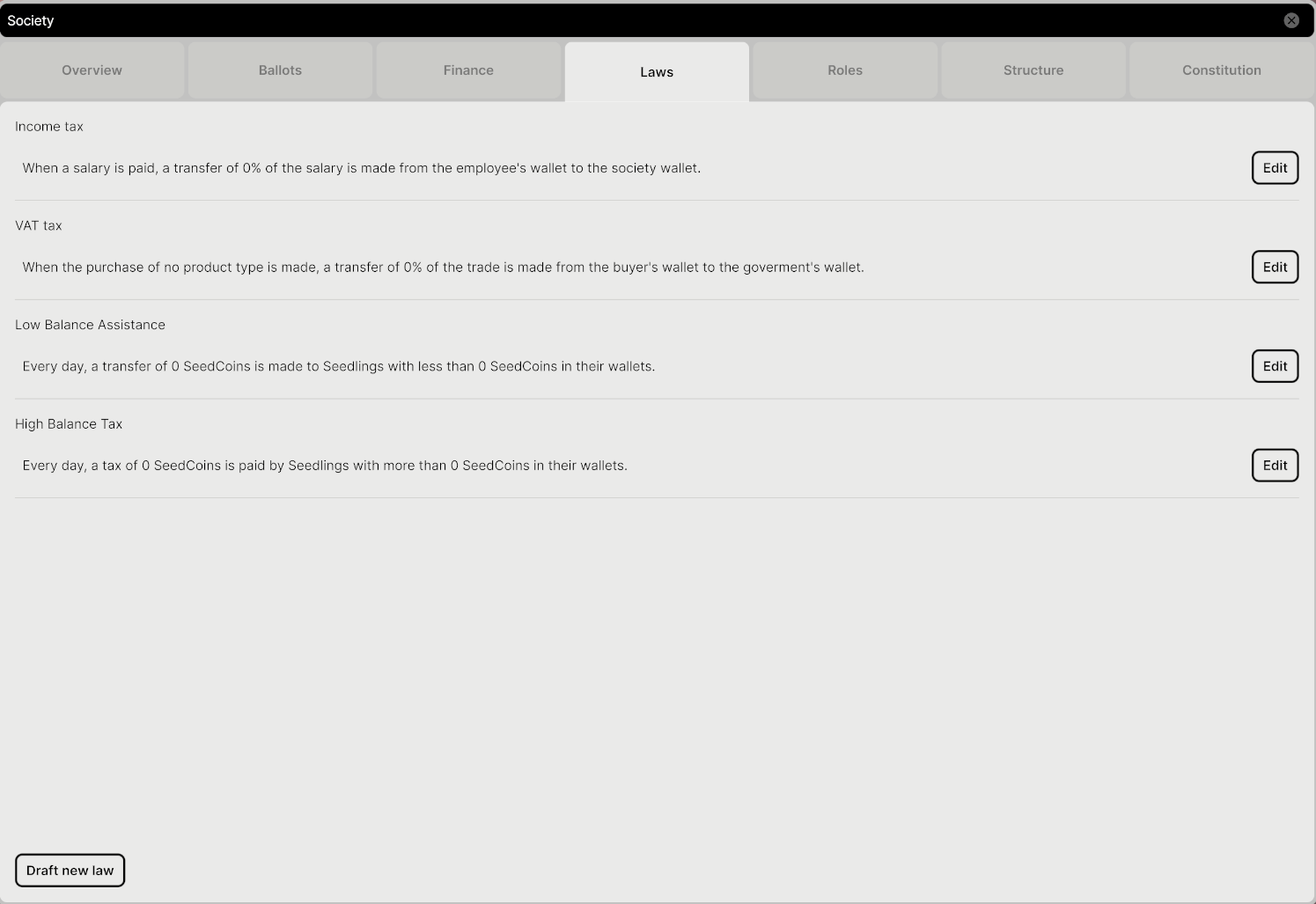
When creating a new policy, you need to select the legislator that will be proposing it, and customize the different “components” of the policy.
You can choose among a list of preconditions (e.g. a baby is born, a Seedling joins the society, etc.) and of outcomes (monetary or item-based compensation).
Society Policies
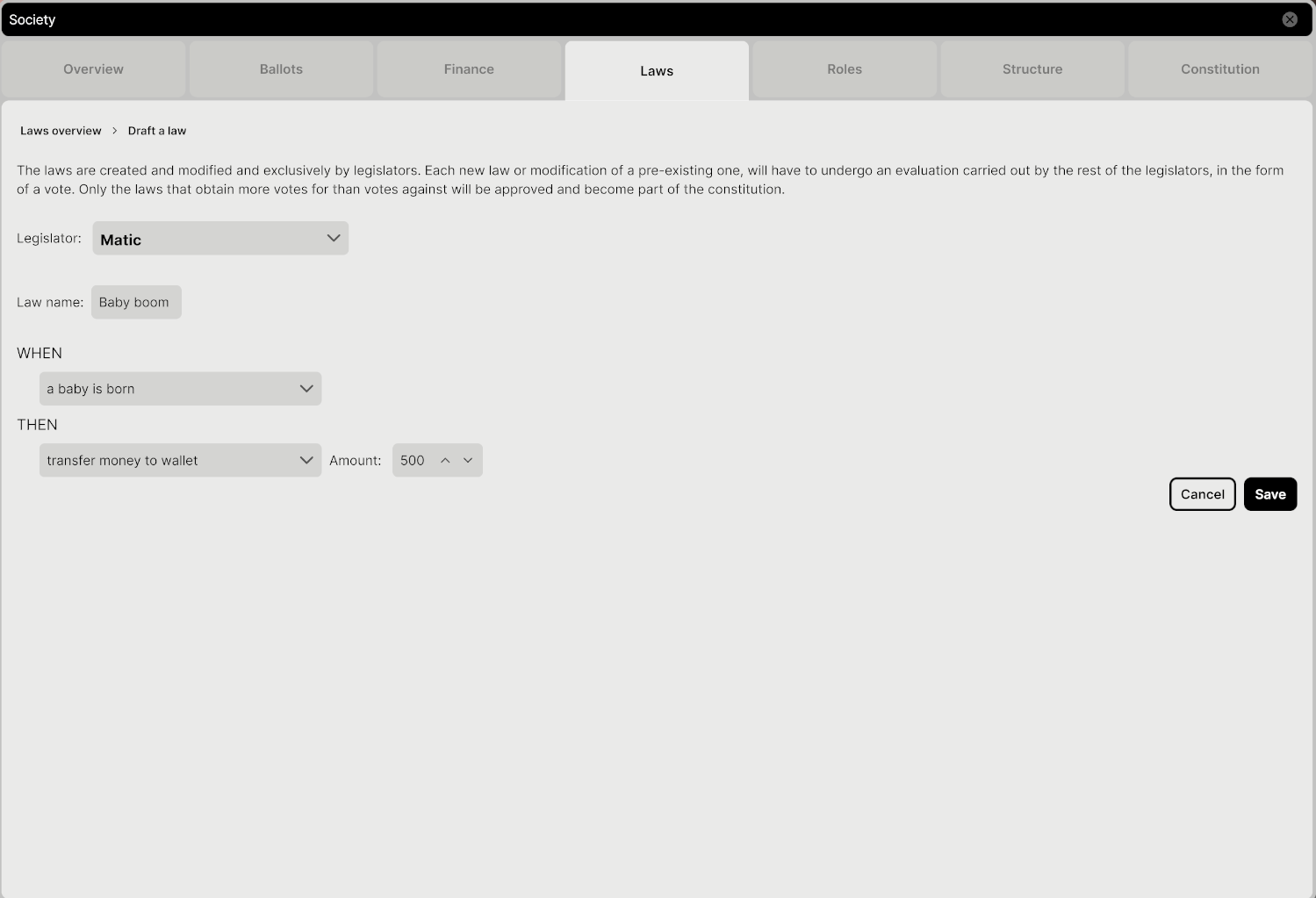
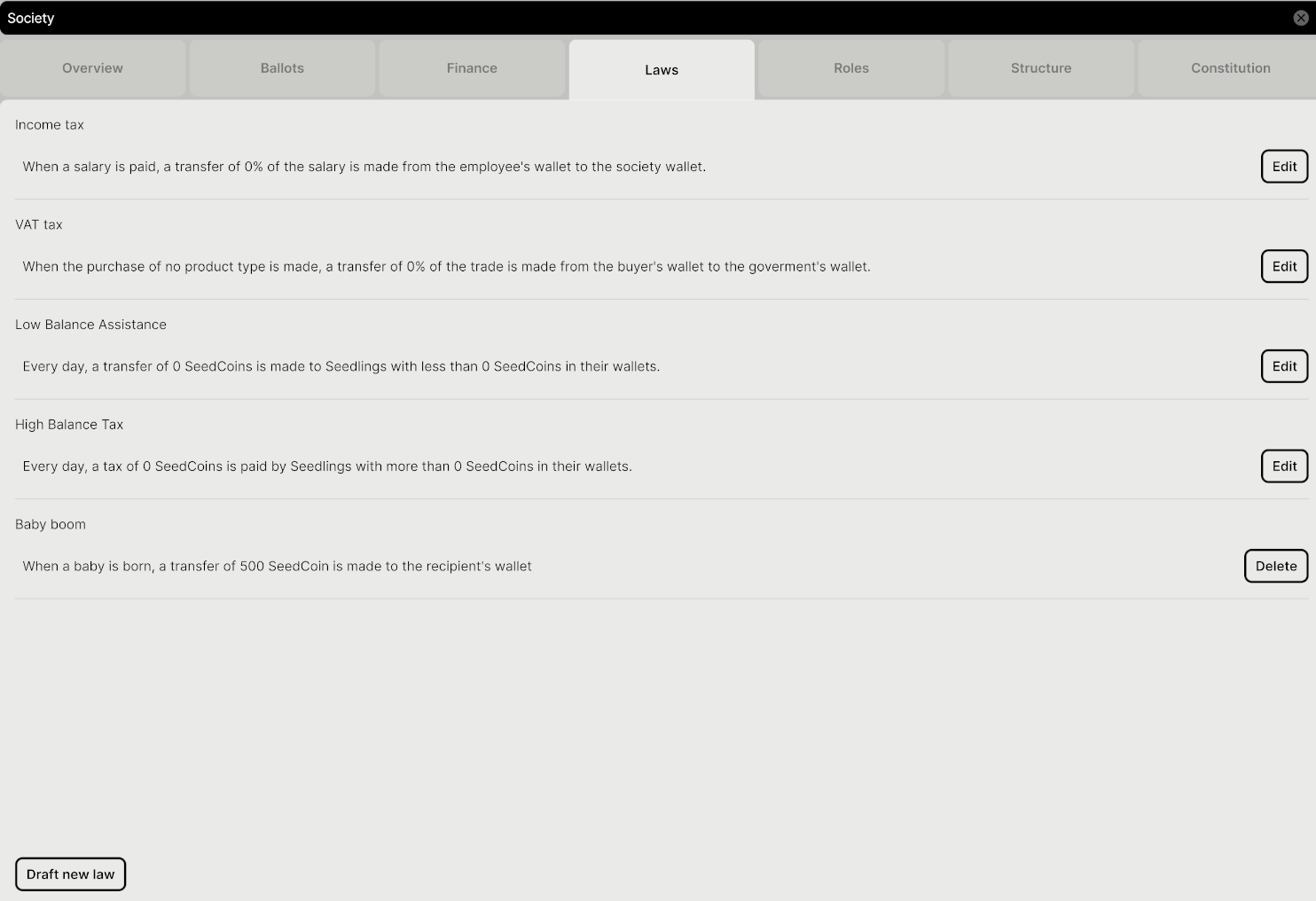
Once you've chosen the legislator and set the policy's components, give your law a name and hit 'Save' to open it up for voting.
If the policy passes, it’s added to your society’s active laws. You can delete it later from the same list—just start a new vote to remove it.
Society Policies
Spaceport
The Global Market is Disabled until you build a Space Port
The Spaceport enables communication between societies and can be constructed through the Real Estate Market, either with spaceport management permissions or as an anarchist.
The Global Market remains disabled until a society builds a Spaceport.
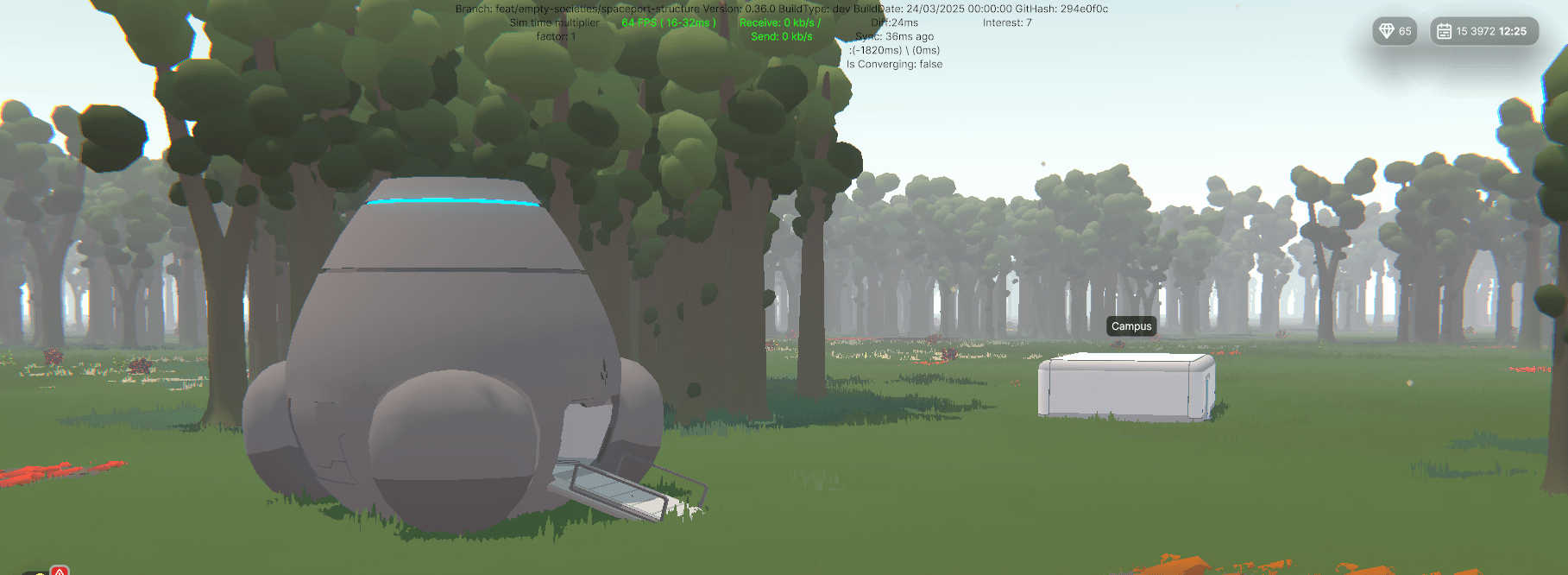
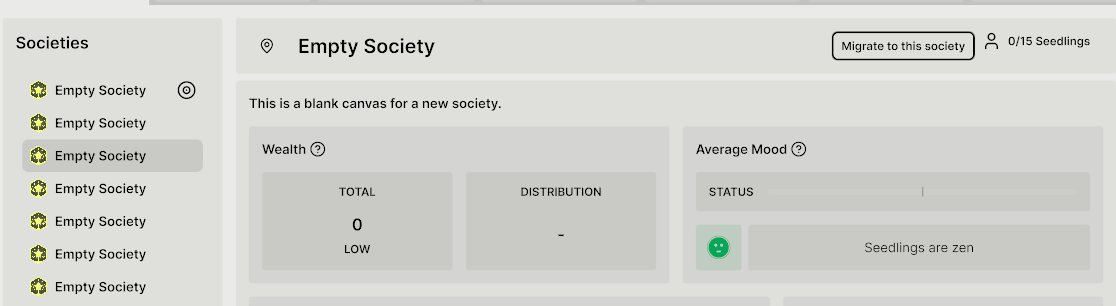
Migration will be blocked soon unless your society has a spaceport.
Migration
You can move to another society at any time.
You will lose all of your properties, jobs, and relationships when you migrate to a new society, so choose wisely!
Migration is done in the "Society Overview" Panel.
Society Customization
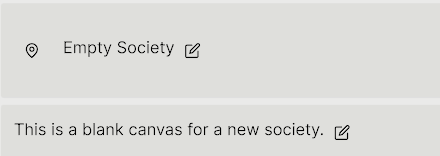
You can now change the name and description of your society
To make changes, you’ll need the permission called “Can Change Society Information”, which can be given to a role when creating it. This role can be obtained if you're:
-
An Anarchist
-
A President (Electoral Autocracy)
-
A Prime Minister (Parliamentary Democracy)
To do this, head to the "Society Overview" Panel
Once you have permission, go ahead and make your society stand out!
Increasing Population Limits
If you want your society to have more than 15 Seedlings you will need to increase the population limits
If you would like to increase the population of your society quickly, players can put their pollen up for sale and the society leader can buy it and pool everyone’s pollen this way.
You can increase population limits by paying 100 pollen in the "Society Overview" Panel.
